
MAITRY FABRICATION · Published on Google Play
Video Downloader Proxy Browser
Copy a video link, paste it into the app, and take one of the qualities the source makes available. Reels, statuses and finished downloads sit in one library, ready to play with no connection.
Something not working? Write to us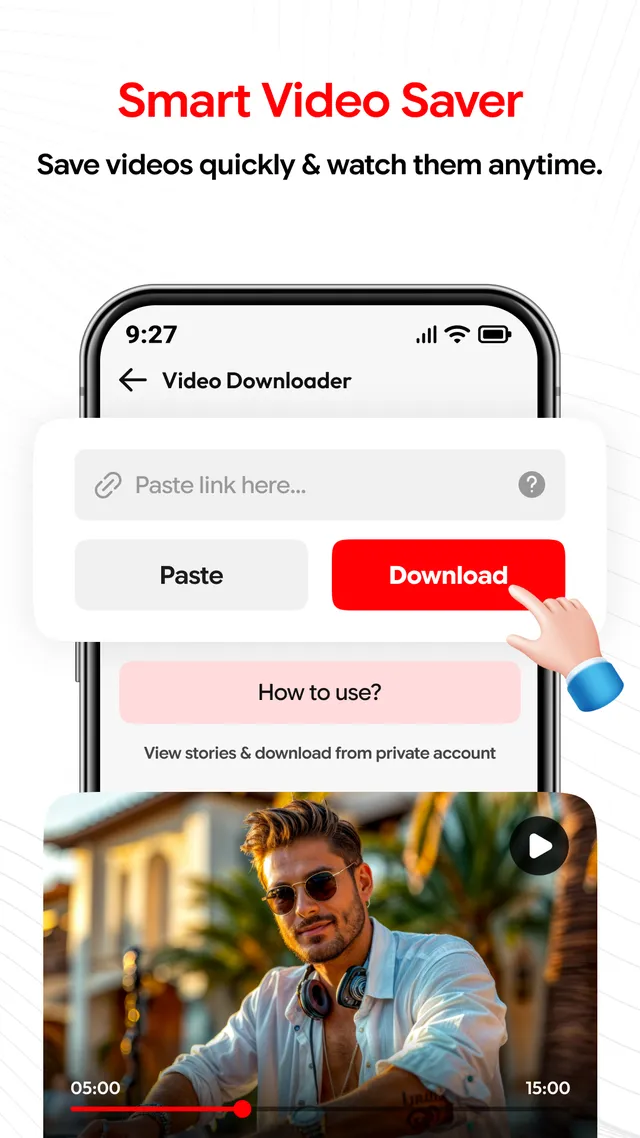
 Status saver
Reels saver
Status saver
Reels saver
Capabilities
What the app is for
Start with a link you copied
The download screen keeps one job in front of you. Paste a link into the field, confirm it, and the file joins your saved videos. Everything you have taken stays listed together, so a file is easy to find, play or clear out later.
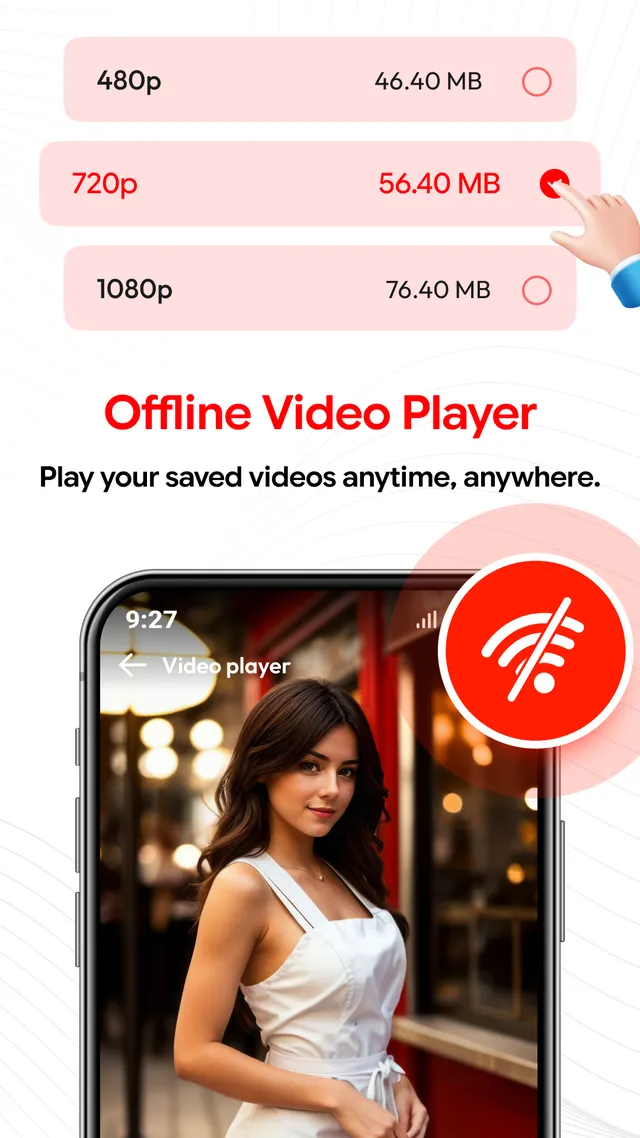
Pick the size before you commit
Where a source offers more than one version, the app lists what is there: 480p, 720p and 1080p, and HD when the original carries it, each with its file size. What you are shown depends on the source video and the website it sits on.
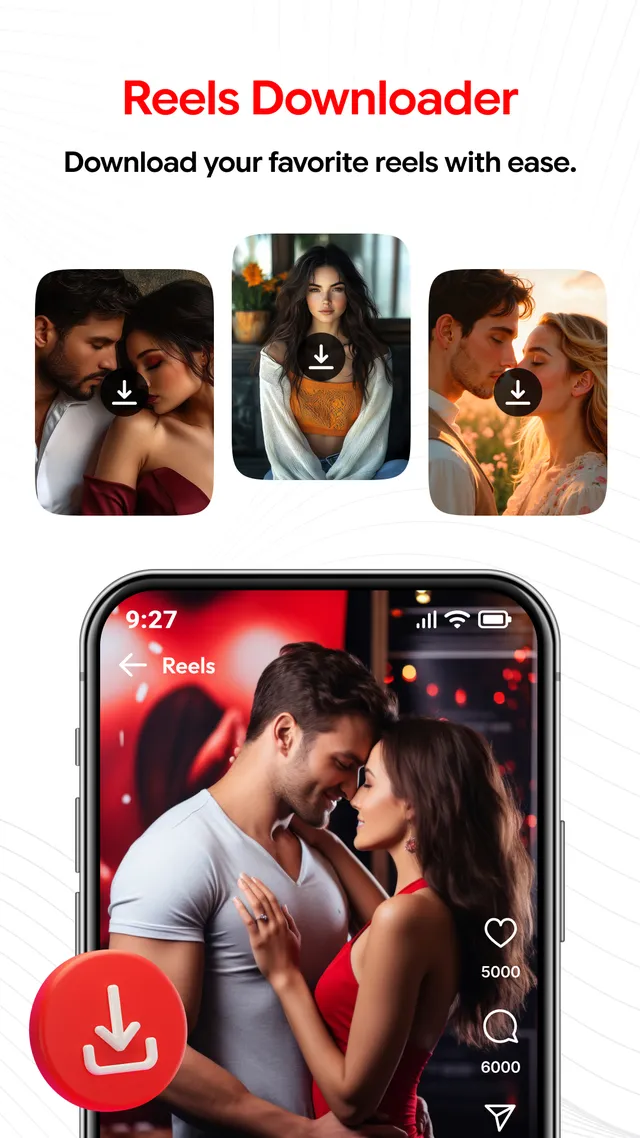
Reels, kept for later
Short videos get their own screen, with a download button on each thumbnail. Copy the link to a reel and the app carries on from there, filing the clip alongside the rest of your saved videos.
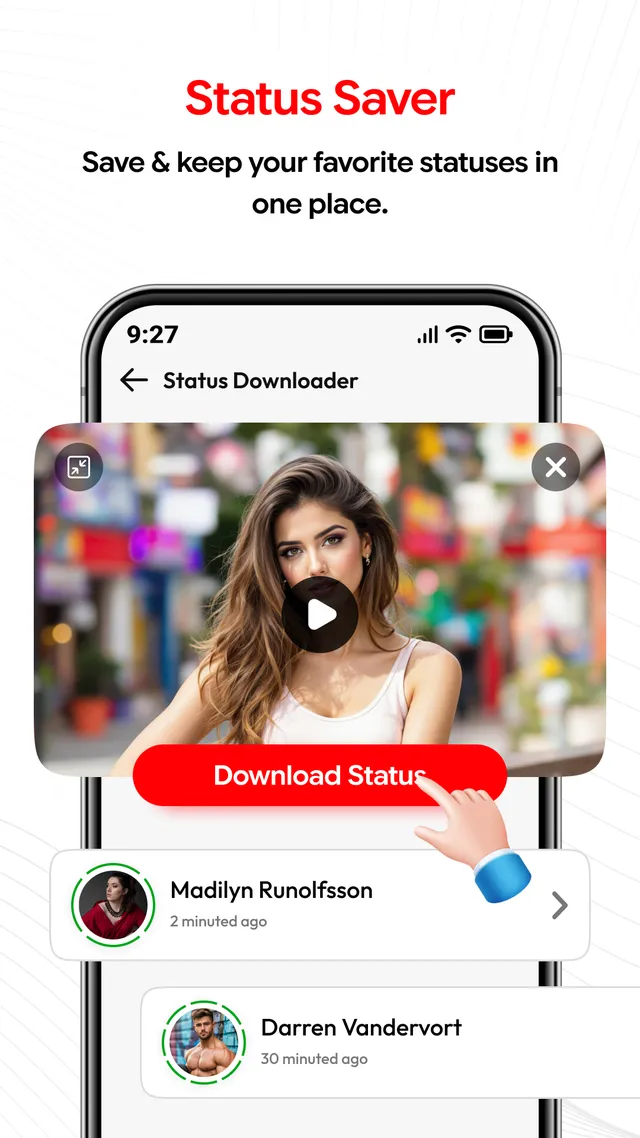
See a status before you save it
The status saver plays a status back in full first, so you keep only the ones you meant to keep. What you save stays on the same screen, where it can be watched again or removed.
Browse in the app, then download
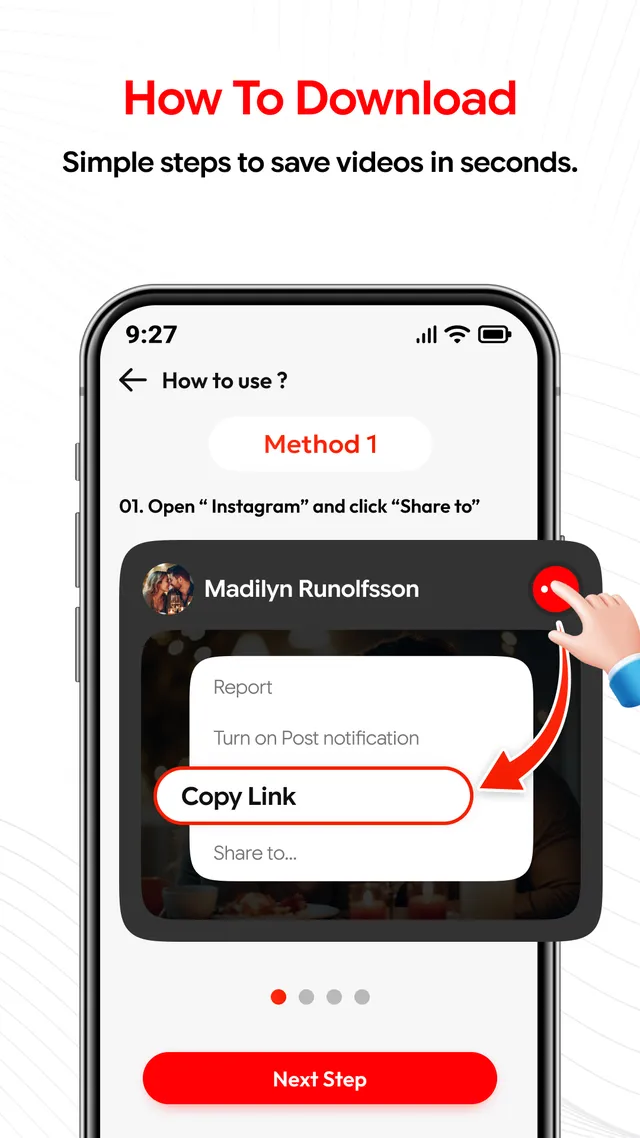
A built-in browser with proxy support lets you search or type a website address and move through supported sites without leaving the app. Short in-app help points out where Copy Link sits in a post's share menu.
Screenshots
The five screens on the listing
How it works
The download, step by step
-
Copy the link
On the post or page holding the video, open its share menu and copy the link. If you are not sure where that sits, the help screen inside the app points it out.
-
Paste it into the app
Open Video Downloader Proxy Browser and paste the link into the download field. The app reads the source and shows the versions it is able to offer for that video.
-
Choose a quality and download
Select one of the available options and tap Download. The finished file is kept on your device and opens in the offline player whenever you want it.
Downloading responsibly
Keep only material you own or have permission to use, and follow the terms of service of every website you visit. Copyright and other intellectual property rights still apply, and downloading protected content without permission is not supported. What a source makes available can change without notice. Video Downloader Proxy Browser is not affiliated with, endorsed by, sponsored by or associated with any third-party social media platform or website. Read the responsible-use notes.
Data safety
What we declare about your data
- No data is collected
- No data is shared with third parties
- Data is encrypted in transit
These three lines are the Data safety declaration MAITRY FABRICATION files with Google Play for Video Downloader Proxy Browser. If the declaration is ever revised, this page is revised with it.
App details
Specifications and support
- Platform
- Android, distributed only through Google Play
- Price
- Free to install, contains ads
- Category
- Video Players & Editors
- Content rating
- Everyone
- Last updated
- Sep 2, 2026
Advertising disclosure
Video Downloader Proxy Browser is free to install and carries advertising from third-party networks. MAITRY FABRICATION is the advertiser behind it and takes no payment from users. What the app declares about data is set out in the privacy policy.
Put Video Downloader Proxy Browser on your phone
Free to install from Google Play. Contains ads. Android only, with no other download source offered.